A rough sketch scratched out in a notebook margin, shaky lines and all, carries more creative potential than it usually gets credit for. It just needs a way to become something finished without demanding years of drawing practice first. Dreamina official AI image tool provides exactly that bridge, taking a simple sketch and building fully detailed artwork on top of its structure.
Dreamina, which carries the rather sophisticated image creation engine, Seedream 5.0 Pro, does a remarkable job of interpreting unfinished sketches as opposed to evaluating them based on technical quality. In other words, let’s see how to turn simple sketches to artworks through this technology.
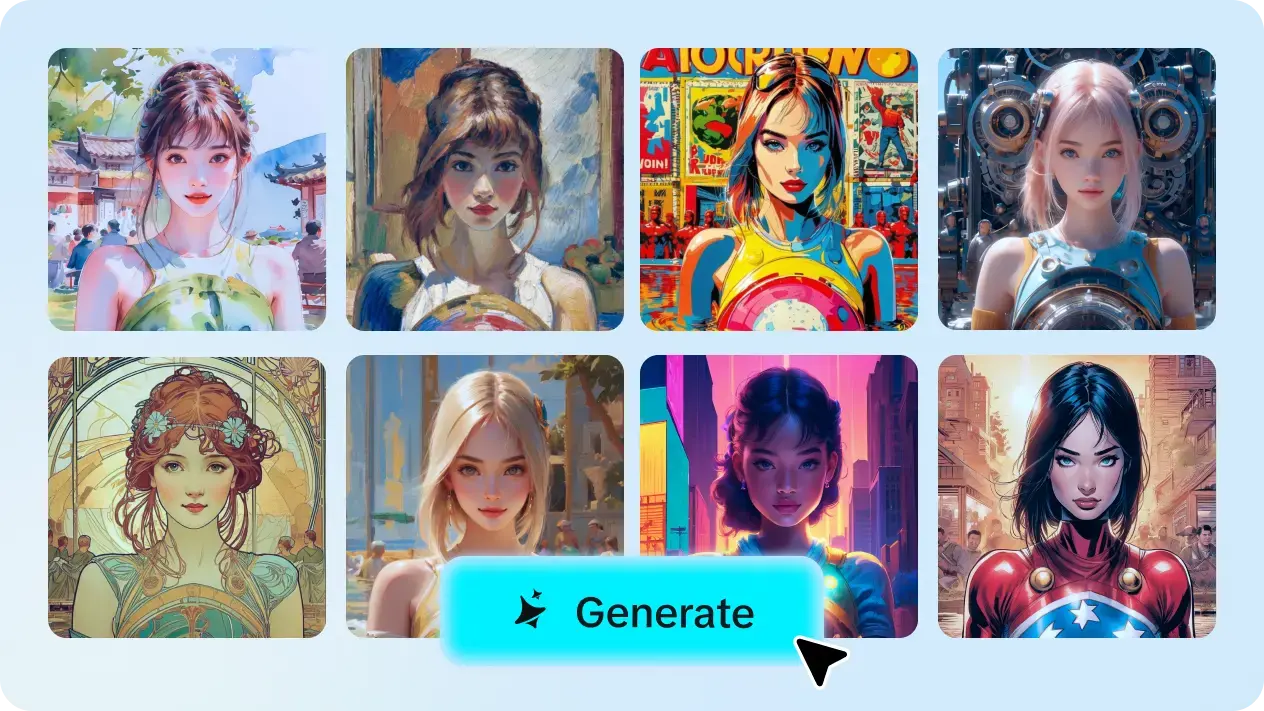
The key idea here is to think about your sketch only as a guide in terms of structure, which denotes the locations, sizes, and silhouette shape in a simplistic form, and not expect a visually attractive product just yet. The AI interprets shapes and their placements, then completes the realistic design through additional layers built on top of the structural frame.
A sketch doesn't need to be polished, but it does need to communicate a few things clearly for the best results:
Basic proportions and placement of major elements
The overall silhouette or shape of the main subject
Rough indication of foreground versus background elements
Any specific pose or composition that matters to you
Once your sketch's structure is solid, deciding what finished style to render it in shapes everything else:
Rich painterly fantasy illustration for dramatic subjects
Clean digital illustration for a modern, polished look
Soft watercolor rendering for something gentler and more atmospheric
Bold graphic style for striking, high-contrast results
A handful of Seedream 5.0 Pro's specific capabilities make sketch-based transformation genuinely reliable.
The process of deep reasoning generation comprehensively studies both your draft and prompt to determine their mutual image transformation and helps achieve your goal of producing an accurate version of your image.
Thanks to such features as point selection, lasso, sketch guidance, and area controls, accurate editing aims at perfecting certain parts of your sketch-based artwork while leaving other parts untouched.
The multi-layer visual control technology divides elements (objects, background, and effects) into separate sections, giving you a chance to modify one section only after the first generation process is accomplished.
We aim to produce perfect quality artwork, so achieving 2K quality is a must for our projects because we want the finished piece to have every detail clearly visible.
Go to Dreamina and upload your image as a reference image. Next, write a prompt about the appropriate attire for the person in your sketch and what styling and detail you want from your work.
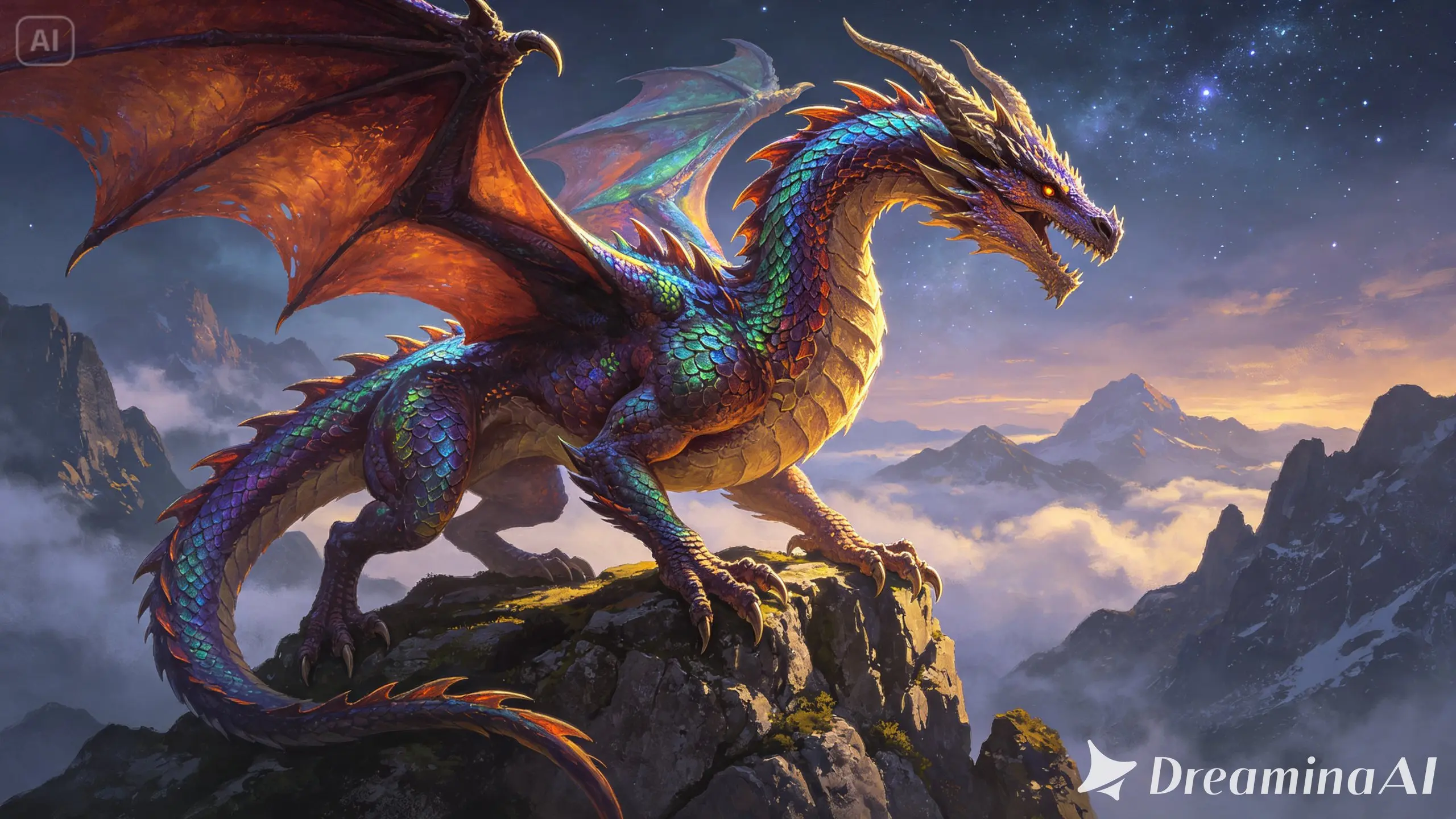
A sample prompt might read: Use the fox in the image to create a sketch of a flying fox perched on a grassy cliff, transformed into a richly detailed fantasy illustration with scales, dramatic golden hour lighting, and atmospheric clouds below the cliff edge.
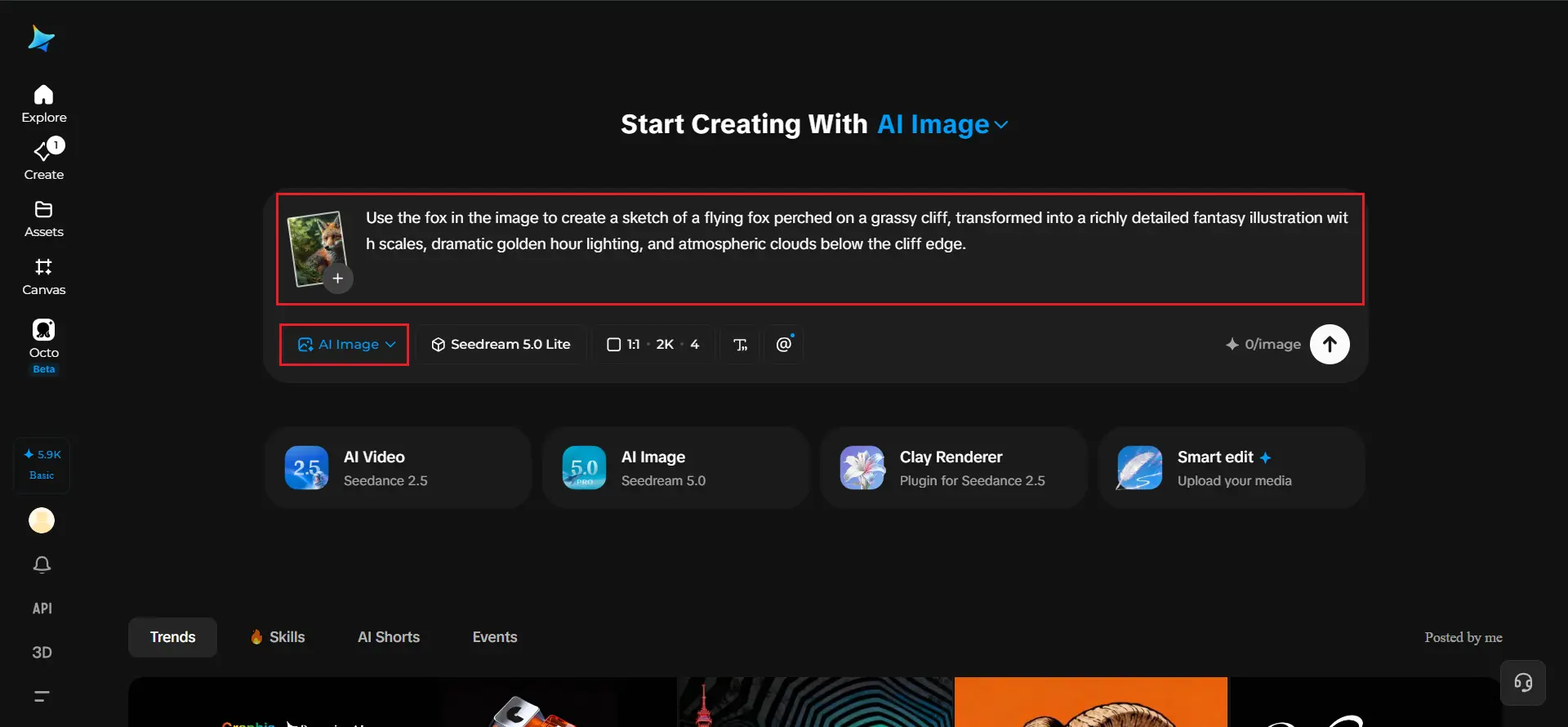
Determine your parameters before starting. Choose Image 5.0 Pro, using Seedream 5.0 Pro, and set your aspect ratio, size, and resolution. You can begin with 1K then switch to 2K once you are fully ready to generate your high-resolution picture. Click the generate icon in the Dreamina app and see your sketch come to life.
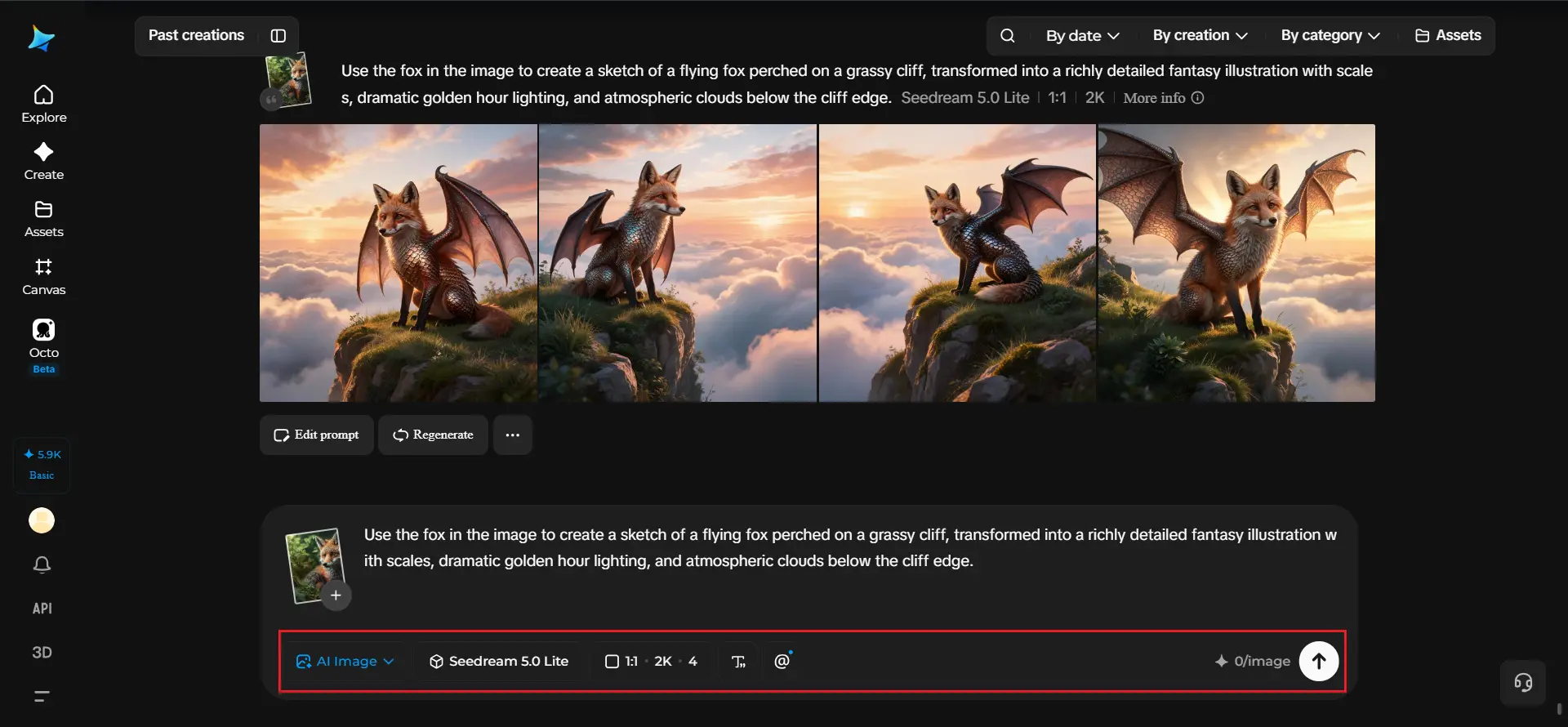
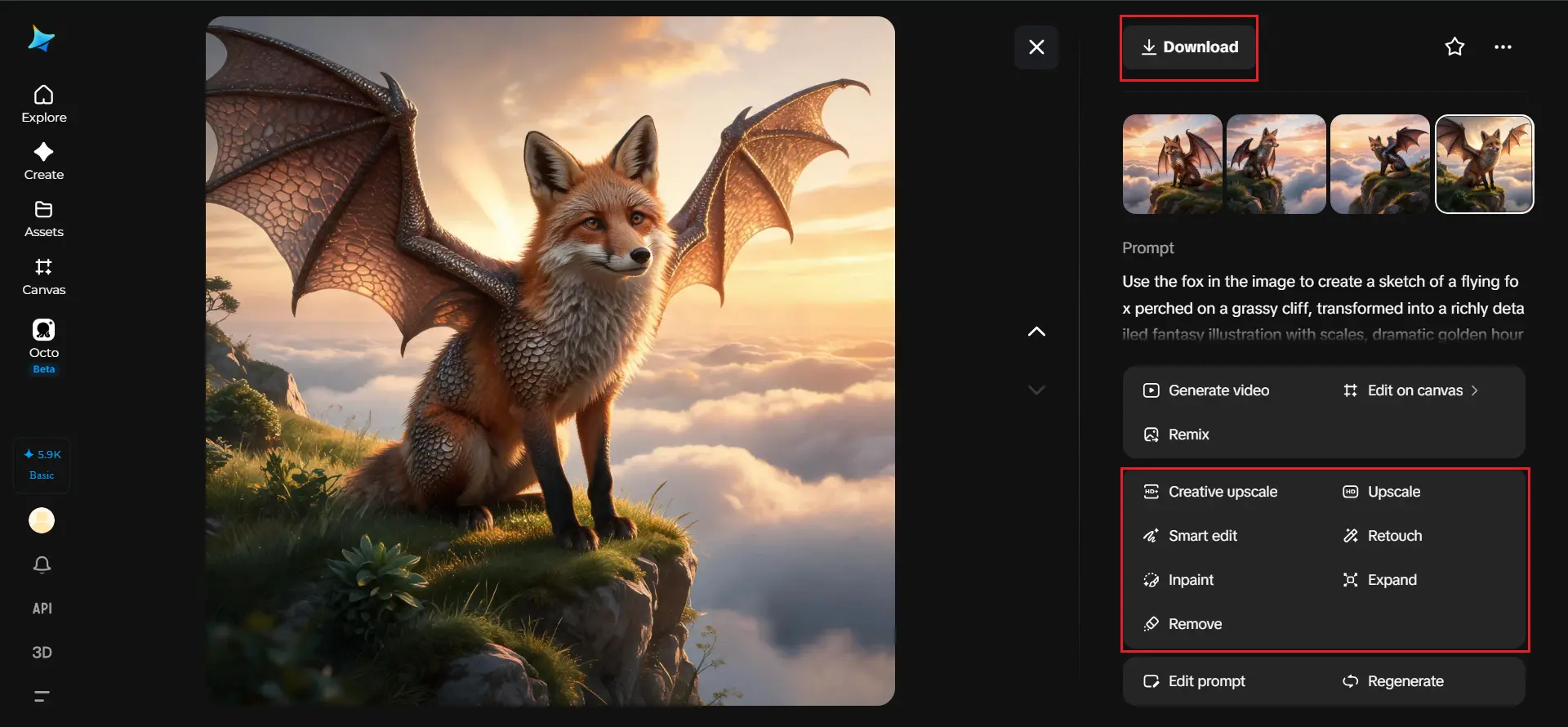
Once your artwork generates, refine it using Dreamina's AI customization tools — inpaint to correct any detail that drifted from your original sketch's intent, expand to widen the scene beyond the original composition, remove to clean up anything unwanted, and retouch to sharpen the final texture and lighting. When it feels like a genuinely finished piece, click the Download icon to save it.
There is a widespread misconception that sketches should be nearly complete in order to provide good results, which is not the case. Most of the time, a simple idea-driven sketch that focuses solely on proportions and placements results in better output than a painstakingly detailed sketch anyway, as it is the prompt that explains the idea the best. Still, it is important to try various approaches and find one that fits the needs of various projects.
Text-only methodology works well if the image is clear in one's mind and there is no need for exact spatial representation. The sketching method is highly effective if composition, placement, and proportion are the points that cannot be fully explained in text. In case of combining both methods, that is rough sketches along with comprehensive prompts, one usually receives the best results.
The rough drawing in your notebook may appear raw, but it is almost a complete form of art; all it needs is a proper framework and Dreamina’s AI image creator to help it out.
Using Dreamina and its cutting-edge models, the structure and your description are transformed into a truly impressive work of art.
Sketch the bare minimum and describe every detail so that Dreamina can help your concept become a reality!