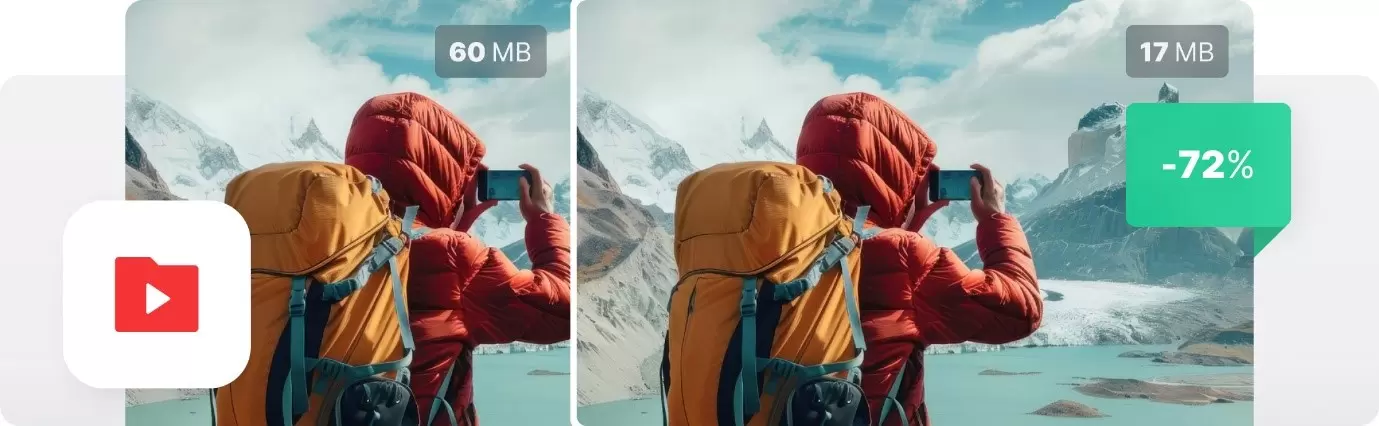
Most people struggle with video sizes every single day. You spend an hour filming something cool, try to send it to a friend, and the app just says no. It feels like a slap in the face. You don't want to spend another hour figuring out bitrates or resolution settings in a program that looks like a cockpit.
That is where a simple click-and-done resizer saves the day. We need things that work right now without making you read a thick manual.
If you manage social accounts, you know the struggle of different feed requirements. Instagram needs one size, but X wants another. It can drive a person crazy. You can compress video online to hit those strict size caps without ruining the visual quality.
This helps you move from one task to the next without getting stuck in technical mud. Getting the right dimensions quickly means you can focus on the actual creative side of your job.
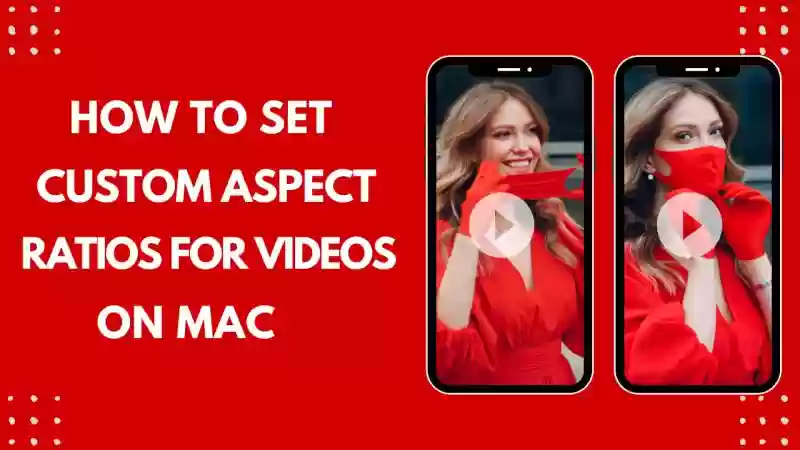
YouTube Shorts are big right now. If you have a long horizontal video, you can't just slap it onto Shorts and expect it to look good. It is important to change the aspect ratio. A one-click tool lets you crop and resize so the focus stays on you or your subject.
Instagram's own help guide shows how picky platforms are about specs, and professional software is no different.
Educators are using more video than ever. It might be a quick lesson recap or a recorded lecture. Sending these files to students through email often fails since Gmail has a 25MB limit. When you shrink the file size, you make sure every student can open the file on their phone or laptop.
It levels the playing field for kids with slower internet, too. Plus, it makes your life easier as a teacher since you won't get fifty emails saying, "I can't open the file."
You might be running a store on Shopify or Etsy. You need a video of your product in action to build trust. But if that video is five hundred megabytes, your website will crawl. Customers leave slow websites in seconds. You can resize your clips to be lightweight but still sharp.
If you are on the move, you can use the Clideo App to get it done on your phone. It saves you from hiring an expensive editor for a thirty-second clip.
We all have those 4K videos from a concert or a birthday that take up two gigabytes. You don't want to delete them, but you can't take any more photos. Resizing them to 1080p or lower saves massive amounts of space. It's like cleaning out a digital closet. You don't need every random clip to be in cinema-quality resolution.
Resizing shouldn't be a chore that takes all afternoon. We live in a world where speed is everything. Finding a way to compress video online makes your life less stressful. It helps creators, teachers, and business owners stay efficient. You get to keep your content looking professional without the steep learning curve. Next time you see a "file too large" error, just remember there is a simple fix waiting for you. It's about taking back your time. You have better things to do than stare at a loading bar.