
The visual design of your brand is what tells the most about your goals and brand identity, as well as generates trust among customers.
But creating design for your whole brand can seem time-consuming and costly. On the other hand, modern AI tools help to overcome this barrier by providing professional-looking, fast results, and all this for a small amount of money.
What’s more, you can create all the design elements of your brand on these platforms, including logos, websites, and business cards, and anything that comes to your mind while thinking about design.
Keep reading this article since it will help you learn more about top design platforms and show how they help us create the most effective design elements for different brands.
Before moving to the tools and their key aspects, let’s understand how to choose a design platform.
Let’s view a few essential points that will help us be mindful while choosing the tool.
Now, bearing these in mind, let’s move to testing the tools.
To be fair in our ranking, we tested each tool by giving the same brand name and keywords.
As the logo is one of the most essential design elements of each brand, we mostly focused on testing the logo maker.
We were creating logos for a sports complex called “Olympus Sports,” which was the name we gave to all the logo makers.
Now, when everything is clear, let’s move to testing and ranking our logo makers.
| Logo Maker | Best For | Design Suite | Does the Logo Maker Have a Free Tier? | Trustpilot Reviews |
|---|---|---|---|---|
| Design.com | Startups, small businesses, and medium-sized businesses; people who look for quick and high-quality logo design | 50+ designs and branding tools helping to create Websites, Business cards, Digital business cards, Social media posts and stories, Presentations, QR codes, Flyers, Posters, Letterheads, Menus, and so on | Yes, no watermark | ⭐4.7/5 |
| BrandCrowd.com | Non-designers, people who need a fast and budget-friendly logo | 50+ branding tools to create logos, business cards, websites, presentations, letterheads, posters, flyers, etc. | Yes | ⭐4.8/5 |
| Logomakerr.ai | Non-designers, small businesses | Logos, matching brand kits, including business cards, letterheads, posters, and flyers. | No | ⭐4.0 /5 |
| Logobean | Beginners | Logos, style guides, layouts, business names, and slogans. | Limited | Not listed |
| LogoDesign.net | Startups, small and medium businesses | Logos, brand icons, and symbols. | Free preview | ⭐3.8/5 |
Design.com is considered the #1 company in the world for creating brand identity.
It also takes the leading position in our list for its advanced AI integration and licensing. The tool is easy to use, and therefore anyone, even those without design experience, can create their own design elements.
Why the Tool Stands Out
Some of the core advantages of Design.com as a branding platform include:
After seeing these advantages, let’s look at the tool in detail and test it together.
For testing the tool, let’s start by creating logos and understanding how quick the results are, as well as testing their quality.
We simply added the brand name and the keyword “sports and wellness center” to see what the tool provides.
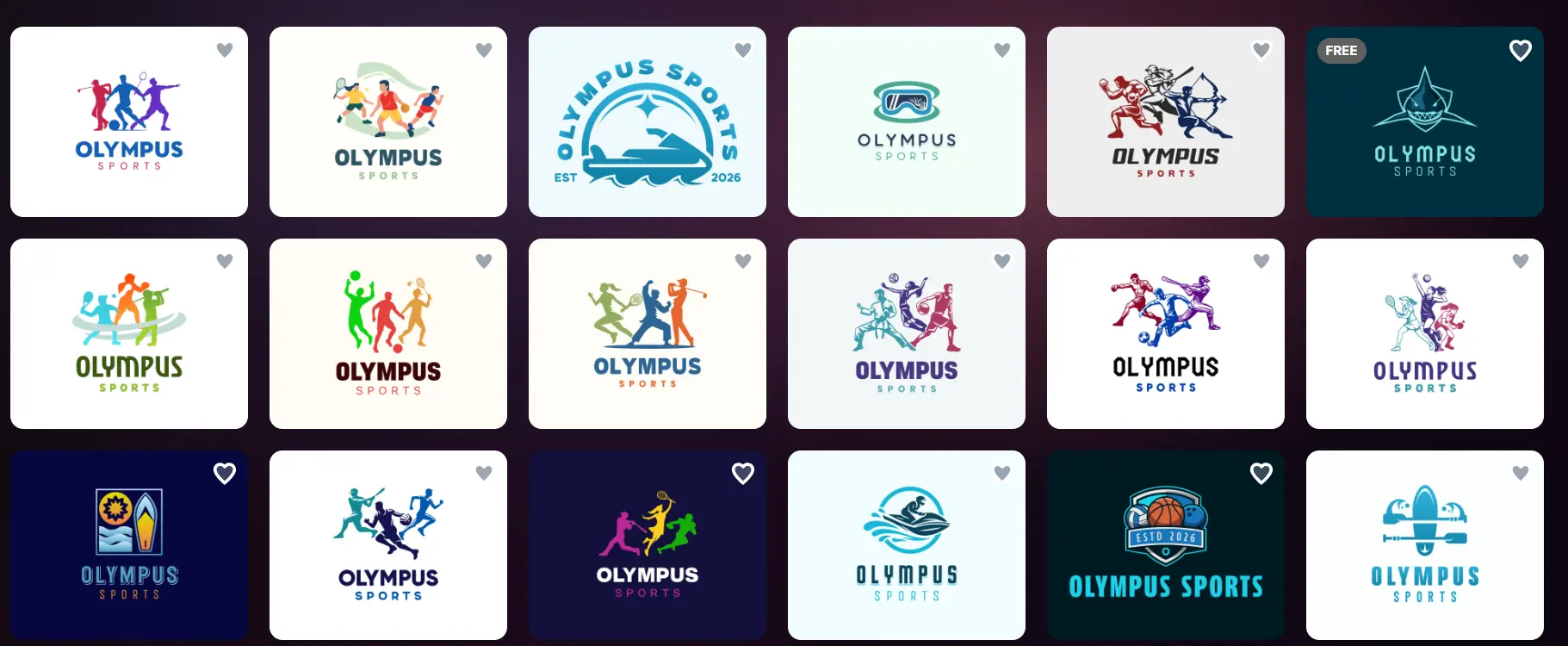
The results appear immediately without making us wait a second longer. The good point is that the logo designs that are available to choose from are limitless, which is great if you want to experiment with different styles, get inspired, and choose exactly the tool that you like.
And now let’s choose the design we like the most and explore the customization options.
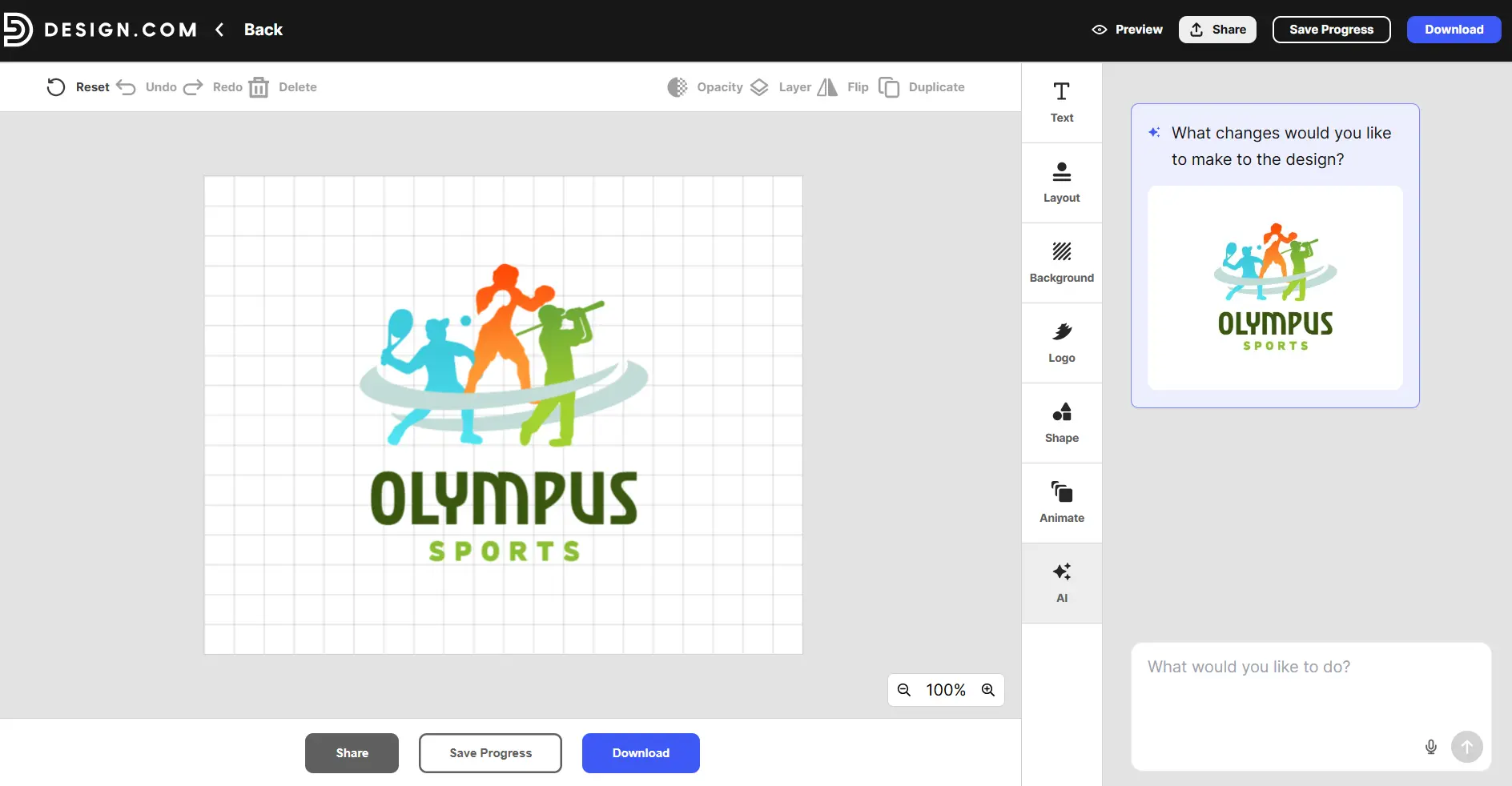
The tool allows us to change the font, layout, color, and shape of the logos. It also helps to animate the logos to easily gain the attention of the audience.
Another essential part is the AI editing feature that Design.com offers. This is an interesting tool that allows the user to ask AI to change this or that aspect of the logo, and it provides the result in a matter of seconds. This feature is great for making nuanced edits of the logo and getting the most personalised result.
Apart from that, let’s take a moment to take a closer look at the quality of the logos, since it is one of the most essential aspects that the logo maker should have.
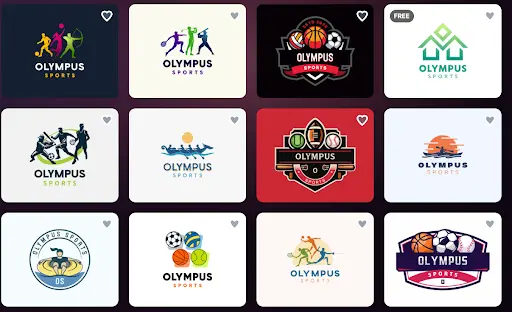
The logos are high-quality, and all of them include unique elements that remind us of the industry the logo was initially created for. The unique coloring highlights easily grab the attention of the viewer and adds interesting aspects to the logo.
It seems like they are created by professional designers and not solely by AI, and are great to use for your social media platforms since they offer modern design options.
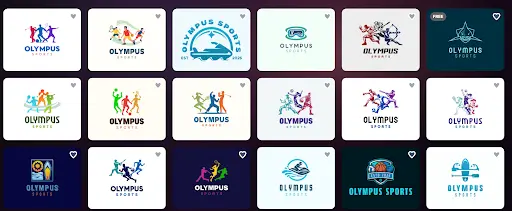
As a result, it is not surprising that Design.com takes the first position in our list of the top branding tools. It provides high-quality logos, which are easy to customise, and offers limitless design elements and templates that will make every brand stand out.
BrandCrowd is another AI-powered design platform that offers high-quality logos and an intuitive interface. The tool is easy to use as a branding platform for creating design elements for full branding and editing any possible details to achieve a unified result.
A few of the core benefits of the tool are:
To create logos and test the tool, we provide the same brand name and keywords and wait for the result.
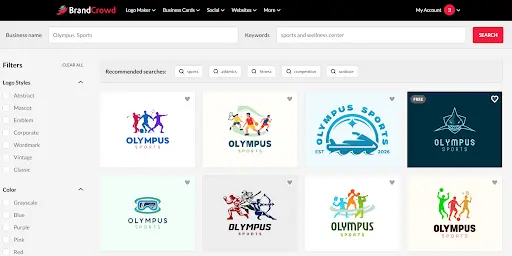
The logos appear instantly, and there are numerous templates to choose from, which is one of the key advantages.
But to find out more about how it works, let’s choose the design we like and move to customisation.
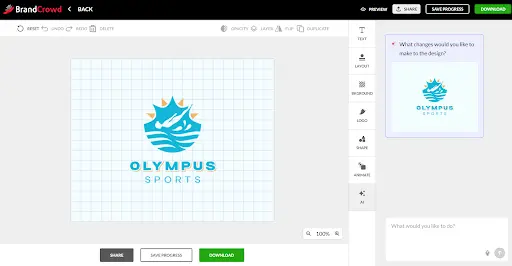
Editing the logos is quite simple; we just need to add the changes we like, and they will instantly appear on the canvas.
Here, as in the case of Design.com, we can change the font, background, layout, shape, and add animation. AI feature also works here and helps you to add any changes that come to your mind quickly and easily.
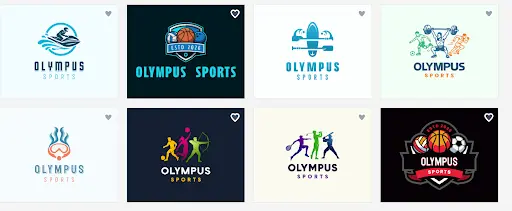
The quality of the logos is high, and interesting details are used, which remind us of the desired field. In addition, interesting coloring and modern design make it easy to use on diverse social media platforms and stay memorable.
Overall, BrandCrowd deserves its second place on our list with the help of its detailed design, numerous templates, easy-to-work on interface.
Logomakerr.ai is an AI-powered logo generator that is fast, budget-friendly, and easy to use for people from all kinds of backgrounds.
To create a logo here, we added the same brand name, chose the industry, selected color schemes, font styles, and waited for the logos.
The generation process took slightly longer here; however, we were hoping for more personalised results.
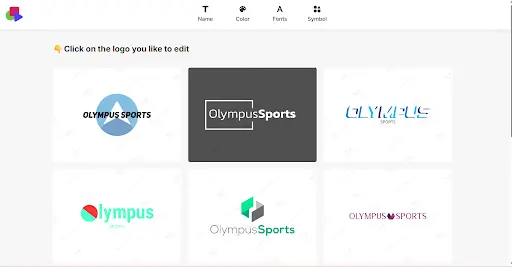
The results were not what we expected. The templates were limited compared to the previous tools, and the field that we specifically chose was not considered for the logo creation.
The quality of the logos did not shine either; they were old-fashioned, without vivid colors and unique design.
Let’s see what the editing function offers.
For editing, we need to choose the logo we prefer and click the “edit” button.
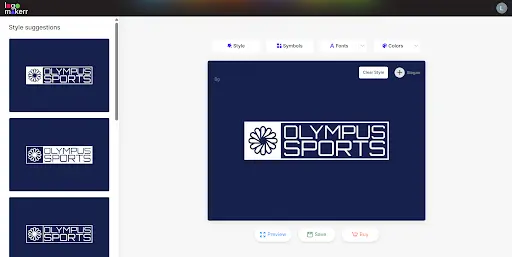
Here, we can change the symbols, layout, fonts and colors. Editing was easy and quick; however, options were limited compared to other tools.
LogoMaker is a good tool for logos, but it does not provide all the results that we need while creating a logo for our brand.
Logobean is an AI-powered design tool helping small businesses and entrepreneurs to create quality logos quickly and with minimal effort.
How it Works and What it Offers
Logo generation on Logobean was quiet simpel. We simply entered the brand name, and logos appeared instantly.
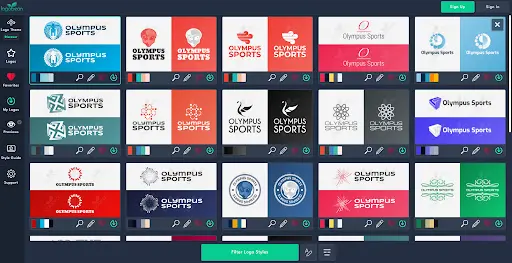
The templates were limited, and as you can see again, we have a problem with the chosen field since logos are super general and do not remind anything about sports.
The quality of the logos was average. They did not shine in detail or vibrant coloring and were very old-fashioned.
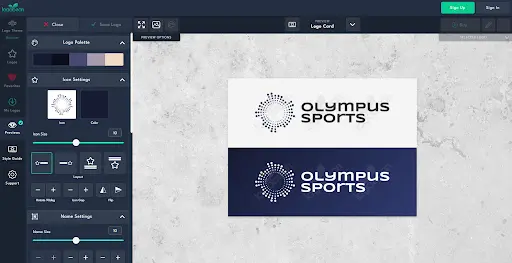
The editing section was simple, and numerous options were offered. We could edit the font, layout, and color, change the size of the logo, and preview it.
Overall, LogoBean is an interesting tool to use but does not shine in quality and diversity of logos.
LogoDesign.net is another beginner-friendly and AI-powered platform helping to easily generate logos without prior experience.
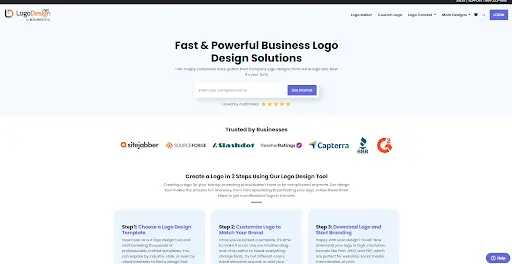
LogoDesign.net is an easy tool to use. We simply enter the brand name, and logos appear instantly.
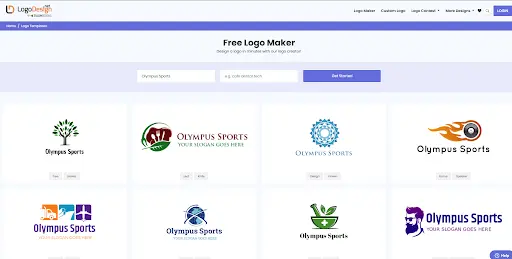
There are different designs to choose from, but they are all from different fields, which is why it does not show us any diversity or unique designs to choose from.
Colors are pale, and the designs are outdated.
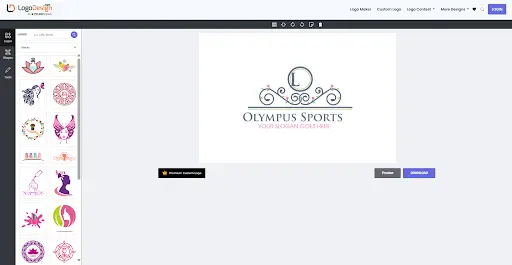
Editing was interesting but not diverse. We could change the style, layout, and font of the logos.
All in all, Logo.design.net is a simple-to-use tool; however, it does not provide the high-quality design many creators are searching for.
Therefore, there are different design tools we can choose from that offer easy and affordable design options.
But be mindful while choosing your design tool, since not all of them provide the same high-quality results or diversity that many people are looking for.
If you ask us, we would recommend starting with Design. com, since, as a result of our review, it provided the most personalised logo designs, diversity of AI integration, and editing options.
Choose the tool you prefer the most and create your branding to stay memorable for your customers.