

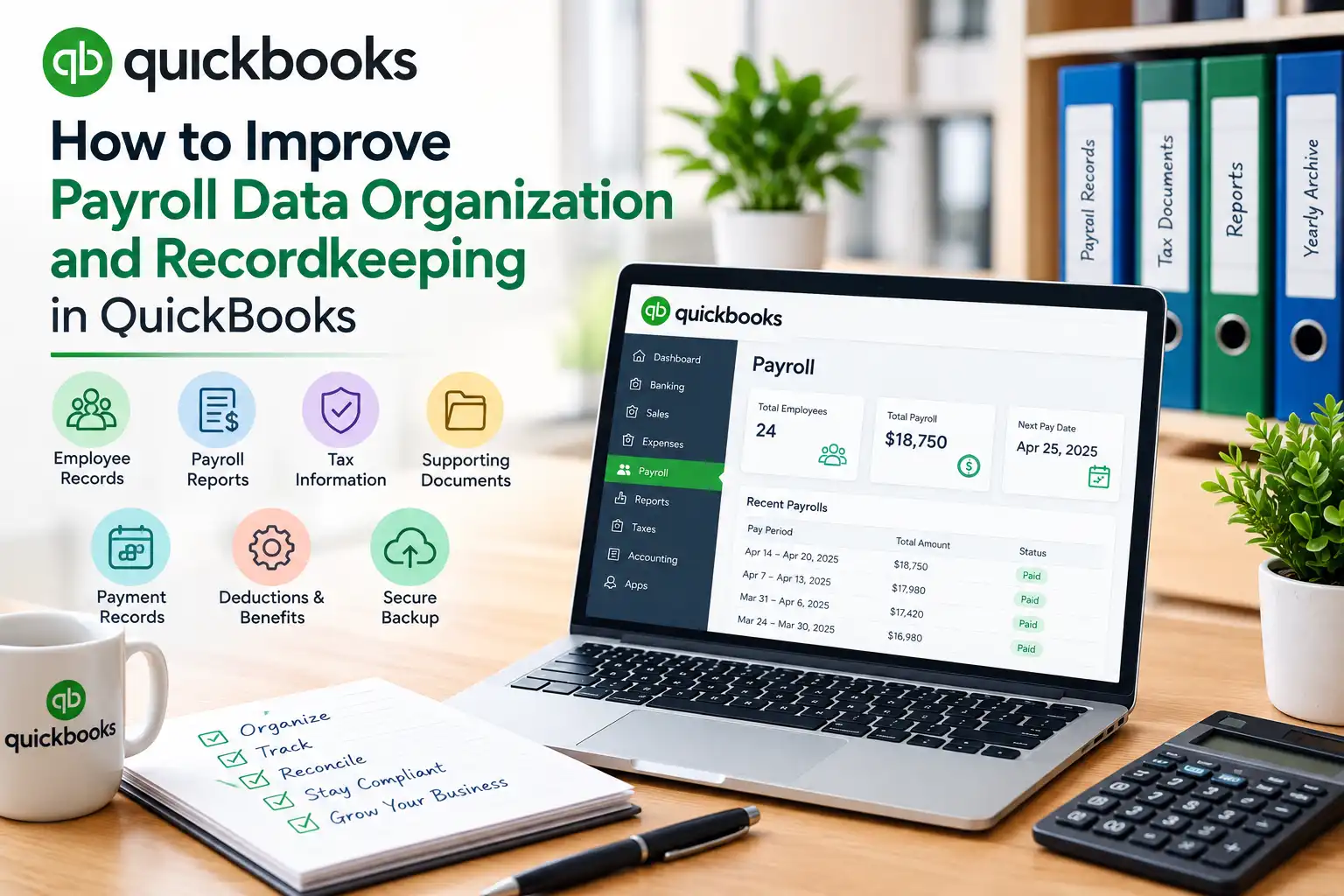
Payroll data is one of the most important types of financial information maintained by a small business. It includes employee details, wages, deductions, tax information, payment records, benefits, payroll liabilities, and historical transactions. When this information is not organized properly, businesses may spend unnecessary time searching for records, correcting mistakes, reconciling transactions, or preparing reports.
QuickBooks can provide a centralized environment for managing payroll and accounting information, but good recordkeeping depends on consistent processes. Businesses need clear procedures for entering information, reviewing records, organizing supporting documents, creating backups, and maintaining historical payroll data.
An organized payroll system makes it easier to process employee payments accurately and retrieve information when needed. It can also support financial reporting, internal reviews, audits, and business decisions.
This guide explains practical ways to improve payroll data organization and recordkeeping in QuickBooks.
The first step toward better payroll organization is to establish a consistent structure for storing payroll information.
Every business should determine how employee information, payroll reports, payment records, deductions, benefits, and supporting documents will be organized.
A basic payroll data structure may include:
Using the same structure consistently prevents important documents from being scattered across different folders, spreadsheets, email accounts, or personal computers.
Employee records are the foundation of payroll data. Incorrect or incomplete employee information can affect payroll calculations and make historical records difficult to understand.
Review employee profiles regularly and verify information such as:
When an employee's information changes, document the change and its effective date. Avoid unnecessarily altering historical information that should remain accurate for previous payroll periods.
Businesses often overlook the importance of file names. A consistent naming convention makes payroll records much easier to locate.
For example, payroll reports can use a format such as:
Payroll_Summary_September_2026
or
Payroll_Report_2026-09-30
The exact format is less important than consistency.
Businesses can create naming rules based on:
Consistent naming helps users find records quickly without opening multiple files to determine their contents.
Payroll documents should be organized into logical folders. A simple structure might separate records by year and then by month or payroll period.
For example:
Payroll Records
Within each folder, businesses can store relevant payroll reports and supporting documents.
This structure makes historical information easier to retrieve during financial reviews, tax preparation, audits, or employee inquiries.
Payroll information should not be reviewed only when a problem occurs. Regular reviews help identify inconsistencies before they become larger issues.
Check payroll records for:
A monthly review can provide an effective balance between accuracy and administrative workload for many small businesses.
Employee and payroll changes should always be documented. Changes can include salary increases, new deductions, benefits, promotions, changes in working hours, and employment status updates.
For each significant change, record:
Good documentation creates a clear history of payroll decisions.
This becomes especially important when multiple people are responsible for payroll over time.
Payroll data organization can be disrupted when payroll features or services are unavailable. Businesses should have a process for identifying and addressing payroll-related technical problems quickly.
When payroll functionality is affected by subscription-related issues, reviewing solutions for QuickBooks payroll subscription problems can help users determine what needs to be checked before the next payroll deadline.
Businesses should also document significant technical problems and the steps taken to resolve them. This can help prevent the same issue from causing repeated disruption.
One of the most important recordkeeping practices is maintaining a clear distinction between current and historical information.
Current employee information may change over time, but previous payroll transactions should continue to represent what actually occurred during those payroll periods.
For example, if an employee's pay rate changes in September, the September payroll should reflect the new rate while previous payroll periods should retain their original amounts.
Maintaining this separation improves historical accuracy and makes payroll reports easier to interpret.
Payroll records should be reconciled with the company's accounting records on a regular basis.
Compare payroll information with:
Investigate unexplained differences rather than allowing discrepancies to remain unresolved.
Reconciliation is particularly important after major changes to employee compensation, payroll procedures, or business operations.
Businesses often change as they grow. They may add employees, reorganize departments, open new locations, modify benefits, change compensation structures, or transfer payroll responsibilities.
During these periods, maintaining consistent payroll records during business changes should be a priority.
A structured approach can include:
This approach reduces confusion and helps ensure that business changes do not create gaps in payroll history.
A payroll audit trail makes it easier to determine what changed, when it changed, and why it changed.
Businesses should maintain documentation for significant payroll adjustments and transactions.
An audit trail can include:
The objective is to make important payroll activity traceable.
If a discrepancy appears several months later, a clear audit trail can help identify its source without requiring the business to reconstruct the entire payroll history.
Reliable backups are essential for protecting payroll information. Businesses should establish a consistent backup procedure and make sure backups are stored securely.
A backup strategy should consider:
Businesses should also periodically confirm that backup files can actually be restored when necessary.
A backup is most useful when it is both available and reliable.
Payroll data can contain sensitive employee and financial information. Access should therefore be limited according to job responsibilities.
Businesses should review who can:
Use individual user accounts whenever possible. Avoid sharing credentials because shared access makes it harder to determine who performed a specific action.
When an employee leaves the business or changes roles, review their payroll access promptly.
Businesses should establish clear rules for how long payroll records are retained and where they are stored.
The appropriate retention period depends on the type of record and applicable legal, tax, and employment requirements.
A retention policy should identify:
Do not delete historical payroll records simply because they are no longer frequently used. They may become important during audits, tax inquiries, financial reviews, or employee questions.
A checklist can improve consistency across every payroll cycle.
A payroll recordkeeping checklist might include:
A checklist reduces dependence on memory and makes the process easier to follow when payroll responsibilities change between employees.
Regular data reviews can identify problems before they become recurring.
Look for:
Large or unexpected changes should receive additional attention.
Businesses can also compare current payroll reports with previous periods to identify unusual differences.
When a payroll error is discovered, record the correction instead of simply changing the information without explanation.
A correction record can include:
Documentation makes future reviews easier and helps identify recurring problems.
For example, if incorrect overtime entries occur frequently, the business may need to improve its time approval process rather than repeatedly correcting payroll records.
Payroll organization becomes more effective when everyone involved understands the same procedures.
Employees responsible for payroll should know:
Training should be refreshed whenever payroll procedures or responsibilities change.
A payroll audit provides a broader review of the organization's payroll records.
During an audit, businesses can compare employee information, payroll reports, bank transactions, deductions, liabilities, and accounting records.
The review should focus on identifying:
The purpose of an audit is not only to identify mistakes but also to improve the overall payroll recordkeeping process.
Payroll organization should evolve as the business grows.
At regular intervals, evaluate whether the current system still works effectively.
Ask:
If the answer to any of these questions is no, update the process.
A recordkeeping system should remain practical enough for employees to follow consistently.
Improving payroll data organization and recordkeeping in QuickBooks requires consistency, documentation, security, and regular review. Businesses should maintain accurate employee profiles, organize payroll documents logically, preserve historical information, document changes, reconcile payroll with accounting records, and maintain reliable backups.
A well-organized payroll system makes it easier to retrieve information, identify discrepancies, prepare reports, and respond to payroll questions. It also creates a dependable historical record that can support financial management and business decision-making.
The most effective approach is to treat payroll recordkeeping as an ongoing process rather than a task performed only during tax season. With clear procedures, regular audits, controlled access, and consistent documentation, businesses can create payroll records that remain accurate, organized, and useful even as their operations grow and change.
 Australia
 India
India Singapore
 United Kingdom
 Germany
 South Africa
 New Zealand
 Nigeria
 Canada
 France
 Spain
Spain Italy
Italy Ireland
 UAE
UAE
